
VoIP continues to get more and more popular. As it does, it seems like the list of related terms becomes never-ending. With so many different acronyms and terms to keep straight, it’s easy to get lost in the jargon. Never fear, CallHarbor is here to break it down and explain some of the most important VoIP terms your business should know.
VoIP
VoIP stands for Voice Over Internet Protocol. In short, it means that your phone system works through your internet connection. VoIP is becoming extremely common, and many businesses love the cost savings and extensive features.
With the rise of broadband, VoIP has become the definitive choice for phone service for consumers and businesses alike. Cloud phone service providers include powerful features not found with standard phone service. Auto attendants, call recording, custom caller ID, voicemail to email, and so much more. Plus, you can take calls and work from anywhere.
If you’re looking to expand your VoIP knowledge, check out these 10 useful statistics for small businesses!

Bandwidth
A common misconception about bandwidth is that it is a measure of network speed. This is not true. Unlike the speed of your connection, bandwidth is a measurement of how much data is being transferred. All data that travels over your internet connection counts toward your bandwidth. In other words, a wireless network’s bandwidth is essentially its user capacity.
Before incorporating a VoIP service into your business, you will need to ensure that you have the bandwidth to sustain calls. Since inbound and outbound calls will be relying on your internet connection, not enough bandwidth can result in poor audio quality on your end.
In order to accurately figure out how much bandwidth is needed for your business VoIP system, you need to have a basic idea of how many concurrent calls you and your employees will be making. Typically, you will need anywhere from 85 – 100 Kbps per concurrent VoIP call. It’s important to keep in mind that the more browsing activity, the less bandwidth will be available for VoIP calls.
Softphone
Despite its name, a softphone is not a phone. Rather it’s the software of a desk phone, plus so much more.
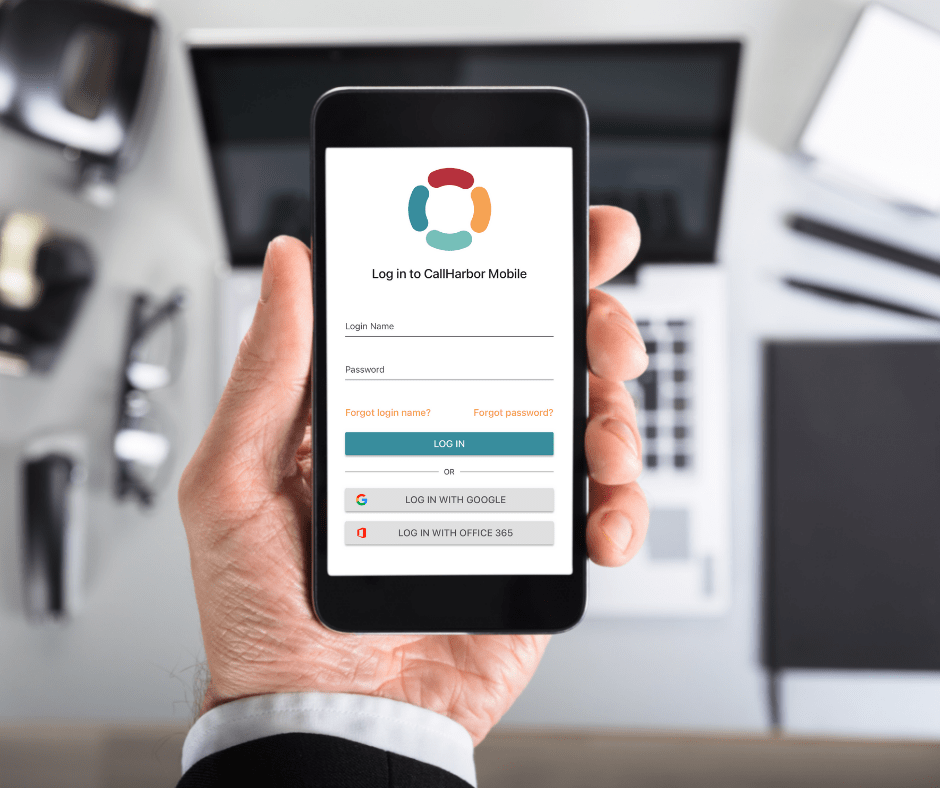
Softphones allow you to work smarter, not harder by making internet-based calls from your computer, phone or tablet. They allows options such as voice, video, SMS, MMS and CRM for communication. Softphones have created a revolution in the way businesses communicate, not just with each other but with their clients.
Softphones bring you the possibility of transforming any phone, tablet or computer into a desk phone along with the softphone perks. This allows you to make and receive calls from anywhere in the world on the device of your choice.
With COVID-19 still ever-present, many people are continuing to work remotely. There is no better way to stay connected and in touch with your team and clients than by utilizing a softphone and its never-ending benefits.
Automation
Softphones are capable of doing everything that traditional phones have been doing over the years, including call forwarding, call recording, speed dialing, and much more. In fact, modern softphone features also include automating call routing, call queue callback, voice bots, and so on.
Having automatic responses is another excellent feature softphones offer that can make life much easier. You no longer have to manually screen and dictate the route of all calls with this perk. Interactive voice response allows you to route calls appropriately to their desired extension without having to think twice about it. Doing this will decrease the amount of time customers will have to wait for a solution to their problem, as automatic rerouting only takes a few seconds.
Furthermore, if there is a situation when the first-choice agent is not available to talk, the call can automatically be routed to the next person who is best equipped to handle the inquiry. This makes for a painless pathway for all of your communication needs.
Multi-Device Support
Multi-device support, or call flipping is a convenient mobility feature that can be used to effortlessly transfer calls from one device to another. For example, you can transfer calls from a mobile device to a desk phone or vice versa. Rather than ending the call and dialing again from a mobile phone or another phone, you can simply use the call flip feature to seamlessly interact with anyone.
The classic “Let me call you back” might be an admissible way to let a friend know that you need to temporarily end the current call you’re on, but it is not as acceptable in a professional setting. Scheduling time for an entirely separate call can be difficult and impractical.
Call flipping ensures that you’ll never have to abruptly or prematurely end a call. If forced to leave or change locations in the middle of a call, you can easily flip the call to a different option such as your mobile app, and keep on talking! Or, when a long call has drained your smartphone’s battery, flip the call to your desk or home phone. At no time are you compelled to bluntly end the call and risk estranging your customers and colleagues.
Call Continuity
Call continuity eliminates the risk of losing call functionality due to a down internet connection or power outage by recognizing when the primary number is unreachable and rerouting your calls to a backup number of your choice. With this feature, you will never risk your business communications being compromised.
Call Monitoring
Whether you want to ensure quality of customer service, coach a new agent during a conversation, or interrupt a call to step in, call monitoring gives you the advanced functionality of a large call center. CallHarbor calls this the Listen, Whisper, Barge feature.
Use CallHarbor’s Listen, Whisper, Barge feature to:
- Ensure and establish professional quality of your team’s customer service or customer support.
- Train new employees in real time during a phone call.
- Assist sales agents in negotiating a sales deal.
- Enable receptionists, admins, or others to monitor conversation, and barge into calls for important interruptions.
- Supervisors/managers can listen in on conversations and give the employee tips and reviews on how they did afterwards.
Whether you are utilizing Listen, Whisper, Barge to assure quality customer service, to coach a new agent during a conversation, or to interrupt a call to step in, CallHarbor provides this feature to ultimately give you the advanced functionality of a large call center, at the tip of your fingers.

VoIP terms and acronyms are going to keep coming – are you able to keep up? Making sure you are well-versed in the VoIP terminology will help you understand your system and your options. We make sure our customers are well-educated on what their unified business communications suite can do, so they never miss out on an opportunity to update their solution.