A company’s IT team carries a lot of responsibility when it comes to keeping the company up and running. As companies rely more and more on their digital tools, management of those tools become increasingly important. But not all companies have an IT team, and all of a sudden their management team is left wondering how to make changes or simplify solutions. Administrative staff often has to step up and handle solutions such as a new phone system.
CallHarbor makes it easy for anyone to manage their phone solution. Whether your internal IT team is taking control, or you administrative staff – they’ll be able to easily & quickly make changes to your phone system. The best part is that if they ever get stuck, our 24/7 US-based support is always there to help.
Check out some powerful administrative features CallHarbor offers in our basic package:
1. User Access Scopes
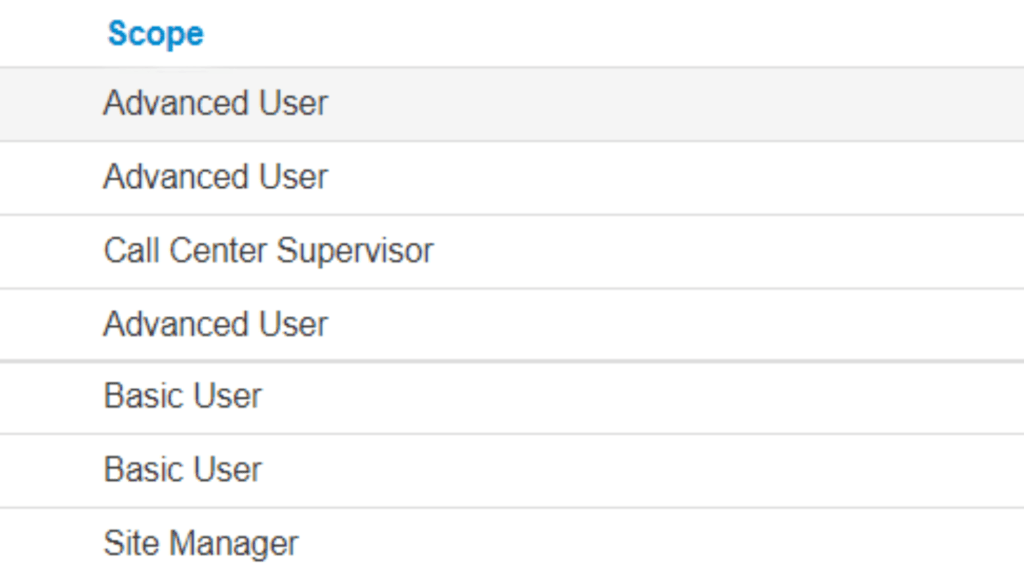
Having the administrative ability to scale user access scopes up and down will help you greatly. This will give you the ability to determine who gets access to what, and what role each individual user plays within the system. User access scopes range from basic user all the way up to advanced user, and everything in between. We’ve included some descriptions below that show you what each scope has access to.
Office Manager
This user scope provides the following access:
- Admin Account
- Full domain control, full user control. No feature limitations.
Advanced User
This user scope provides the following access:
- Answering Rules
- Time-Frames (self owned, not domain)
- Voicemail
- Contacts
- Fax
- Call History (personal)
Basic User
This user scope provides the following access:
- Voicemail
- Contacts
- Fax
- Call History (personal)
Simple User (Utilized for only Fax)
This user scope provides the following access:
- Contacts
- Fax
Call Center Supervisor
This user scope provides the following access:
- Voicemail
- Contacts
- eFax
- Call History
- Time-Frames (self owned)
- Queue Management
- Agent Management
- Call Center Reporting
- Answering Rules
Call Center Agent
This user scope provides the following access:
- Voicemail
- Contacts
- Queue Login / Logout
- Personal Statistics
- Call History (personal)
2. Listen, Whisper, Barge
The CallHarbor Listen, Whisper, Barge feature, also known as call monitoring, is an included feature that allows office managers, supervisors, and team leads to monitor the phone conversations of an employee via the CallHarbor user portal.
Whether you are utilizing Listen, Whisper, Barge to ensure quality of customer service, to coach a new agent during a conversation, or to interrupt a call to step in, we give you the advanced functionality of a large call center, at the tip of your fingers.
Listen, Whisper, Barge Features
Listen
A third party such as an office manager, supervisor, or team lead can silently listen in on a call made by or answered by a CallHarbor user (such as an agent or employee) on a conversation with an external party (such as a customer or client). The third party cannot be heard by either of the people on the original party, and are unaware there is another party on the call.
Whisper
A supervisor can silently monitor a call between an employee/agent and a customer, like Listen. They can also privately speak to the employee without the customer hearing what the supervisor is saying. This is one direction only audio from supervisor to agent. The customer will not hear the whisper from the supervisor, but both the supervisor and agent can hear the customer
Barge
A supervisor who is silently monitoring a call by using the listen or whisper feature can then decide to enter the conference bridge, joining what then becomes a full three-way conference call, where all three parties can hear each other and speak to each other.
3. Call Recording
Setting up our call recording feature is done with ease through the Customer Portal as well. You can simply log into your portal to enable (and disable) call recording for specific users, ring groups, or call queues. If you want to enable call recording for every user on your account, that option is available as well.
You also have the option to record calls on the fly. To start recording on a call, you can simply dial *1 while on the call. There will not be any indication or announcement, so the other party will not know you are recording unless you notify them verbally. Dialing *1 at any time on a call will prompt a start recording event. To stop the recording, dial *2 while on the call. Again, there will not be any indication, but dialing *2 will prompt a stop recording event.
How do I access a call?
On the main menu click on the call history icon(1). This will open up your call history. By default, it will show you every call made today, but you can change this by clicking on the filter button(2).
This will open the call history filter window. This allows you to change what calls are displayed. You can change the date range (1). limit it based users, department, or site (2). You can filter by caller number for calls that originate outside your system (3) and by the number dialed as well(4). The drop box at the bottom lets you see only inbound, outbound or missed calls(5).
How do I listen to or download a call recording?
When you find the call you want to listen too you just need to press the Speaker button. To download, you’ll press the little Download icon next to the Speaker on the right hand side.
How long are recordings kept?
Recordings are kept for 30 days. To keep recordings for longer you will have to download them to your own storage, or pay a small additional charge for more storage.
Check out our blog article for more info on why your business should utilize call recording.
4. Reporting & Analytics
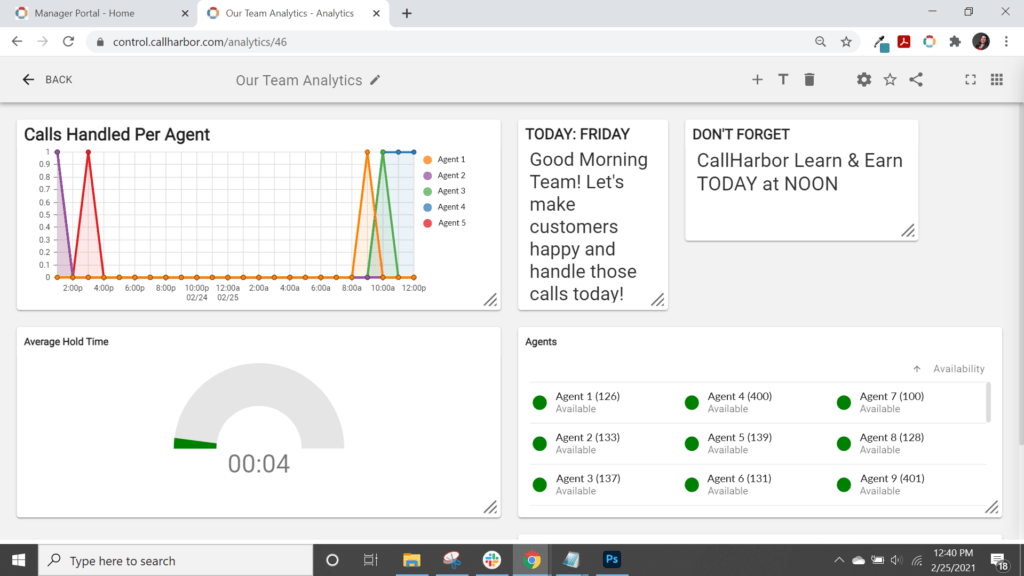
Reporting and analytics are very important when it comes to the success and productivity of a company. CallHarbor offers detailed reporting and analytics with your platform. Our easy to digest reporting and analytics make it easy for an administrative employee of any level to gather and assess info. Admins can see where the company is at in terms of call volume and service level. They can view online agents/employees, missed calls, outbound marketing calls, and more. Having the ability to easily and readily get these analytics will help the company to stay on top of things.
One of the reasons why VoIP is the best phone system today is because it can provide these analytics and data. Nowadays, it’s very important for administrative staff and business leaders to keep tabs on call data. This allows them to continue to set and meet goals, as well as improve their customer experience overall. Using VoIP’s call analytics and data regularly can help your company boost call quality, customer satisfaction, customer retention, and determine ways for your business to improve over time.